How I Made an AI Video Ad with Freepik Spaces
· Max Lupascu
When I found Freepik Spaces, I didn't sleep that night. It was the first program I'd seen that worked with nodes, back before Higgsfield and the rest existed. Every neural network sat on one canvas, and whatever I thought of turned into a picture in a few minutes.
More of my AI work lives on Instagram: @max.lupascu.
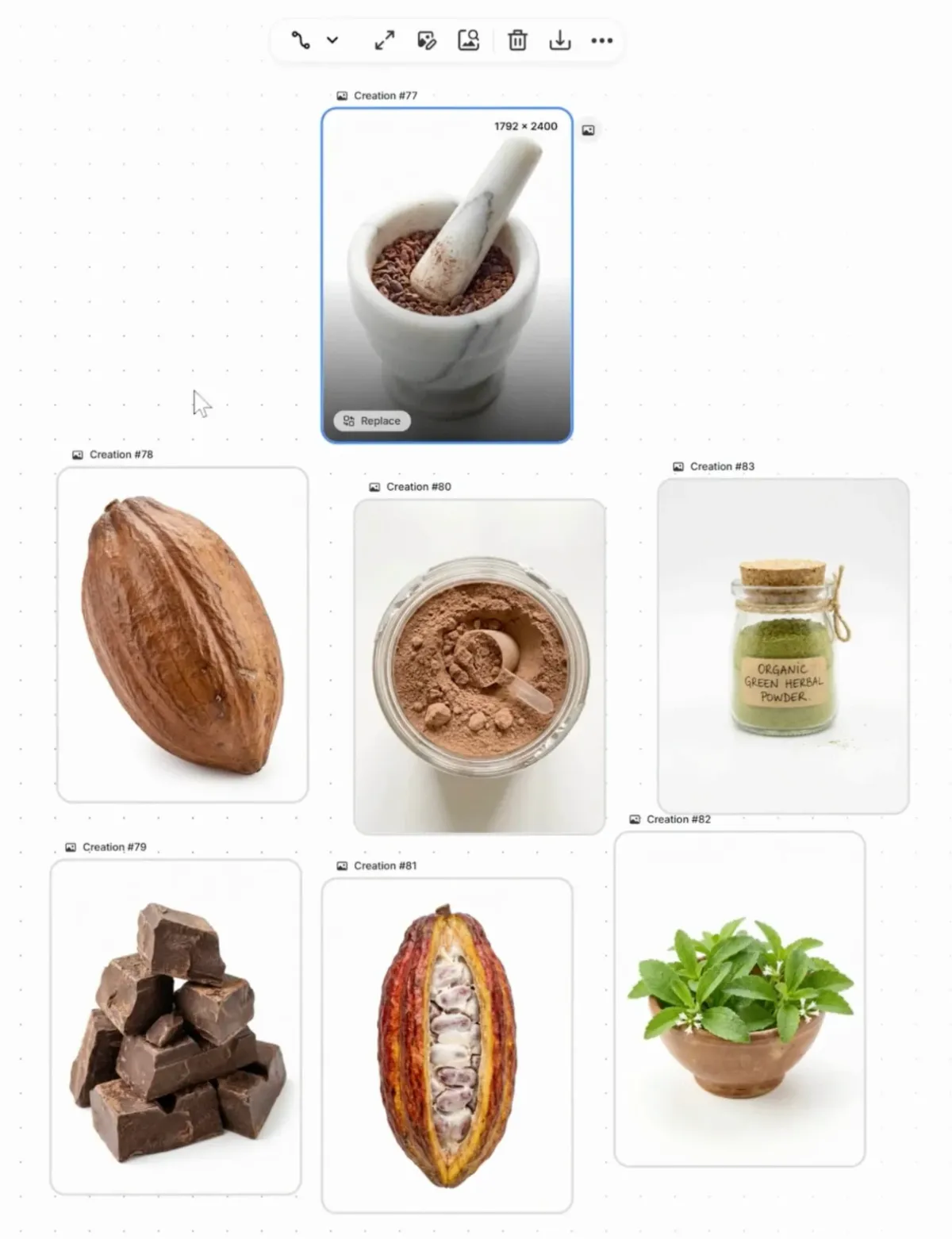
I wanted to see what it could do with a real job, so I picked a product and decided to make an ad for it. My pick was O'blossom, a chocolate protein shake.
How I built it
It started with a script. Once the story was written, I generated the character, then the location, then what she does in each scene, and put it all into a storyboard. What surprised me most was the consistency: the same face and the same style held across every shot, which I hadn't seen a model do before.
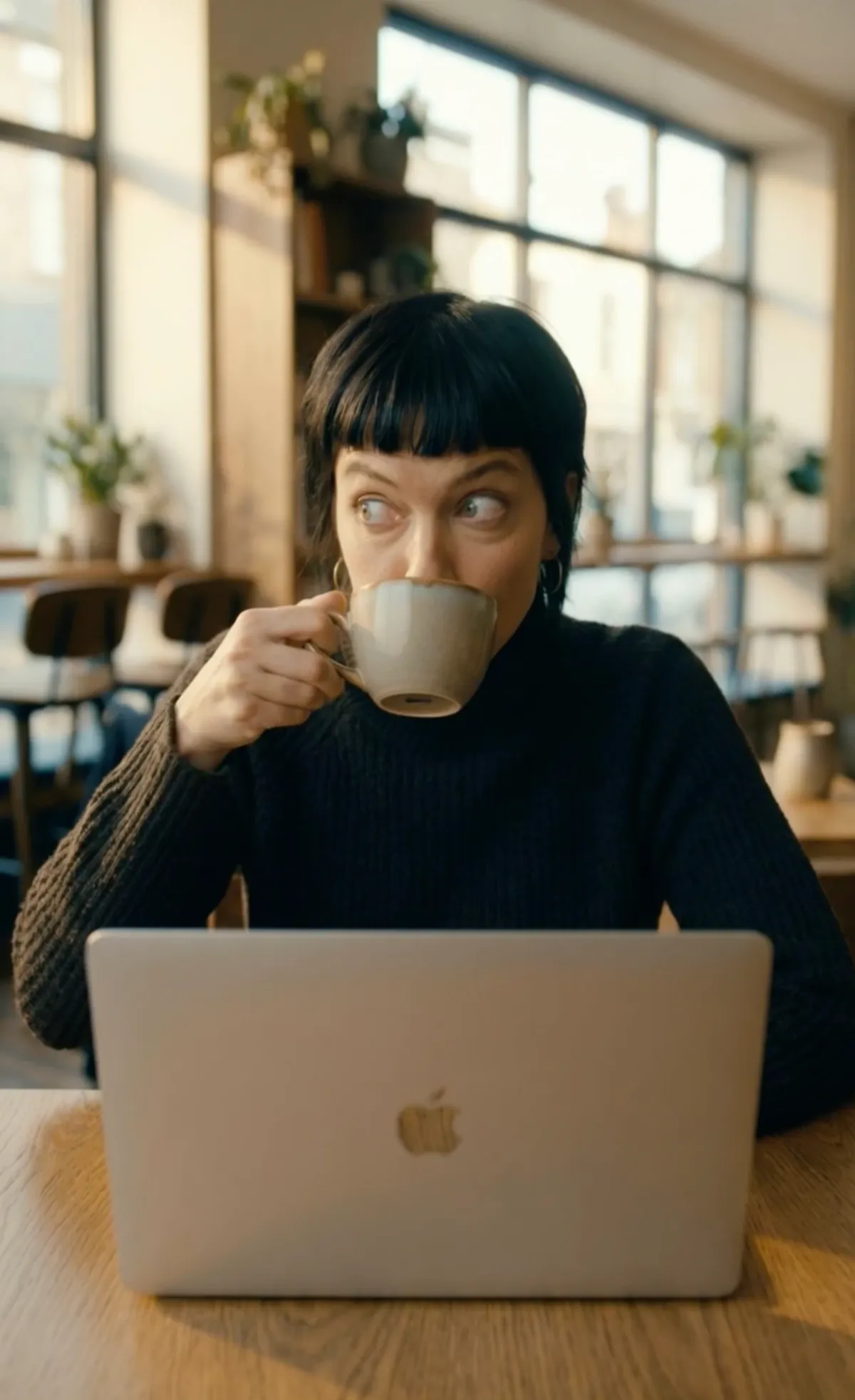
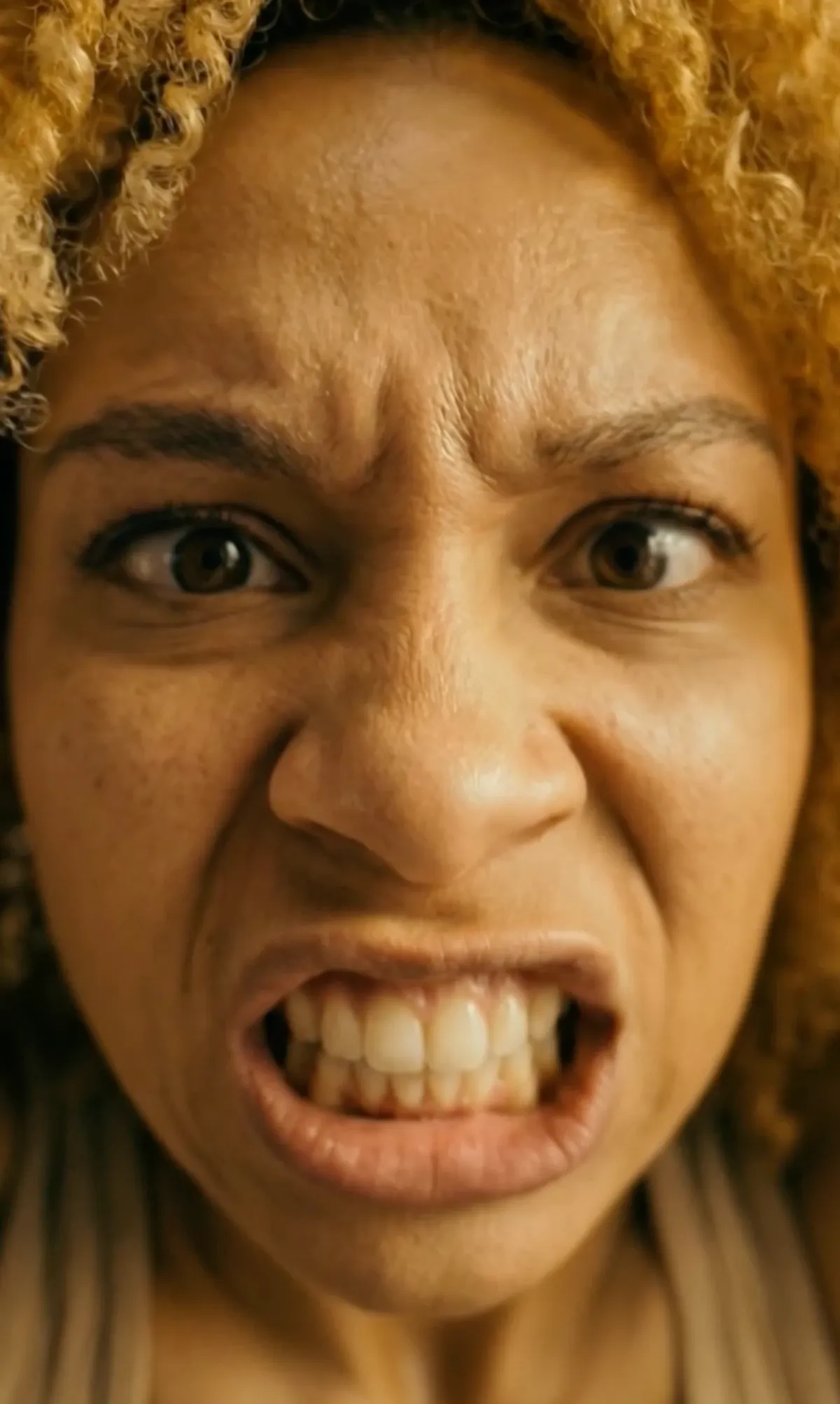
After that came the slow part: light, movement and details. Going through every shot that carefully is why the project took about two weeks. Even the cursor got its own treatment, a small piece of HTML I wrote just so it would type on screen the way I wanted, with some style to it.
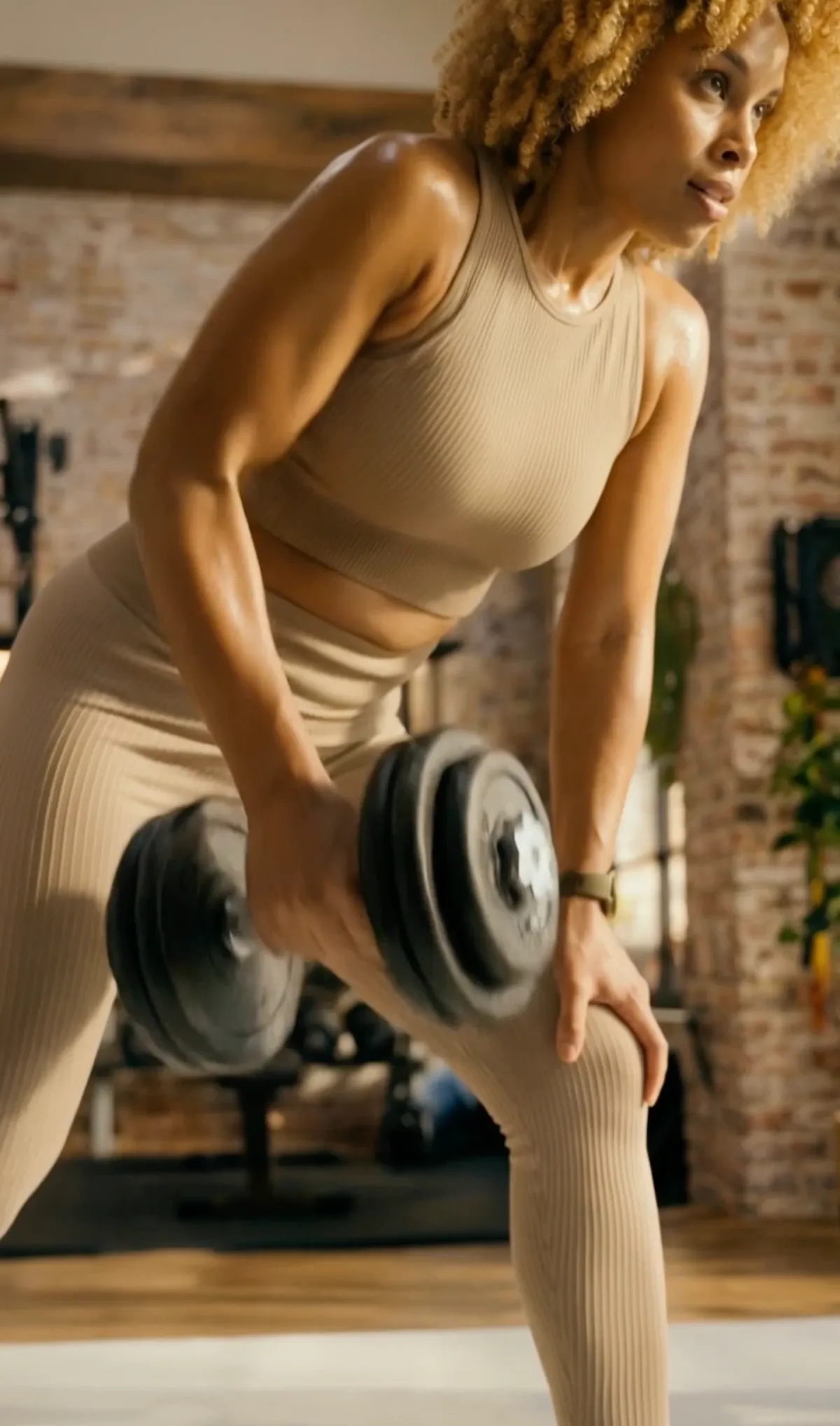
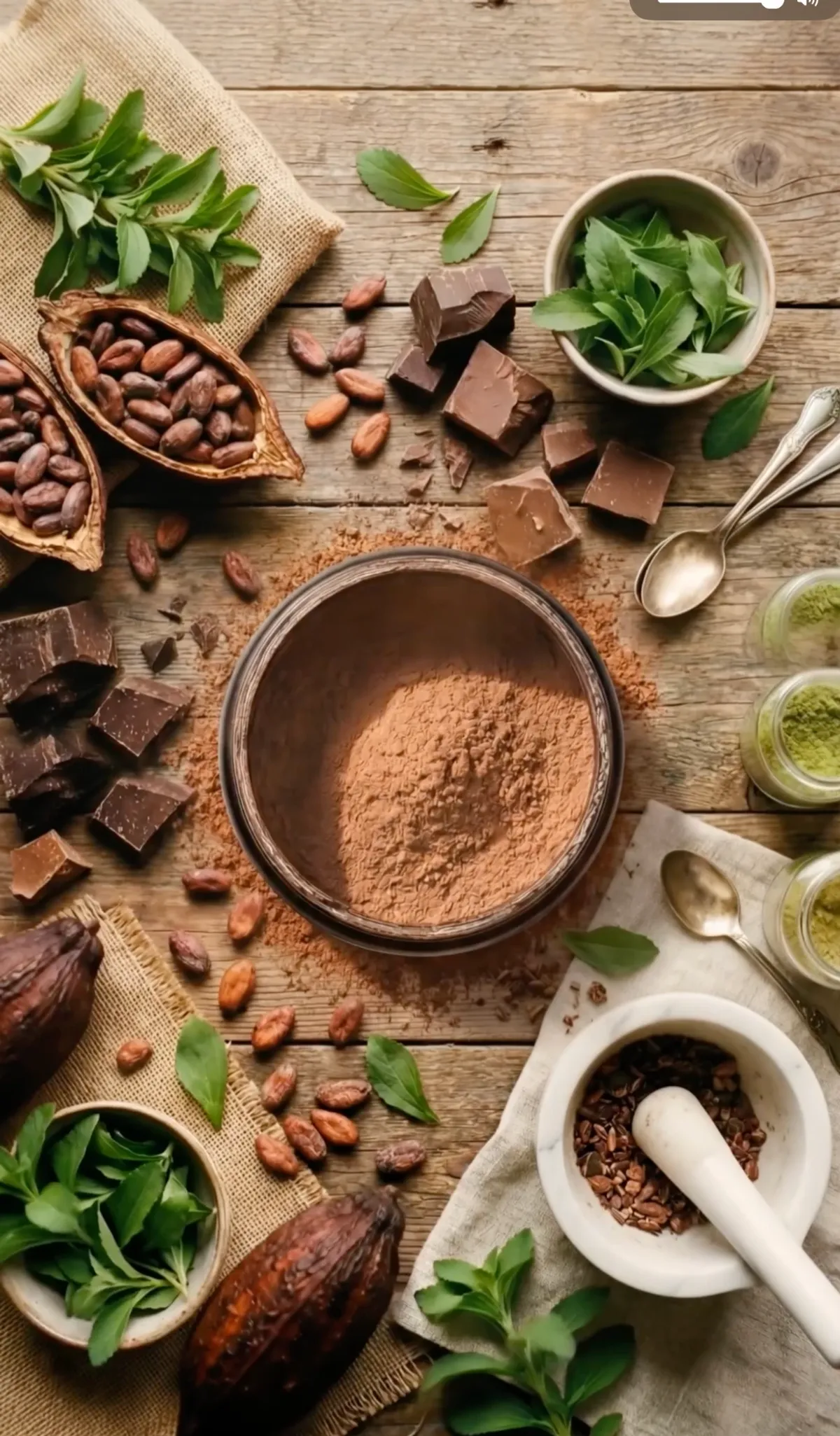
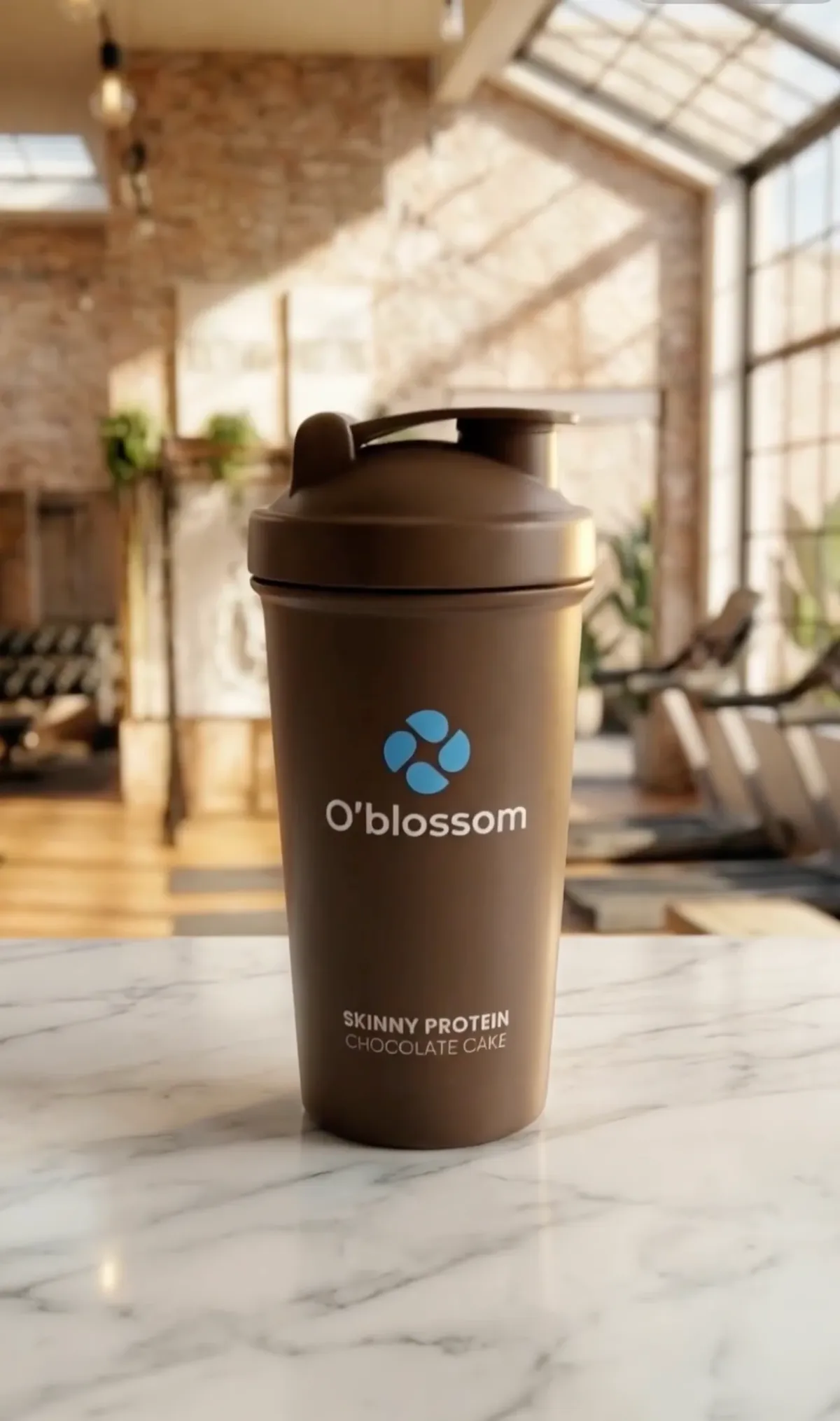
By the end I had about 100 generated photos, all animated, plus a moodboard and a mind map with every idea. Sound was made with Whisper, and I edited everything in DaVinci Resolve.
After
When it was done, I came away feeling that pretty much anything is possible now. You don't need tens of thousands for an ad anymore. I made it alone on a laptop in two weeks. The only limit left is your imagination.